Introduction
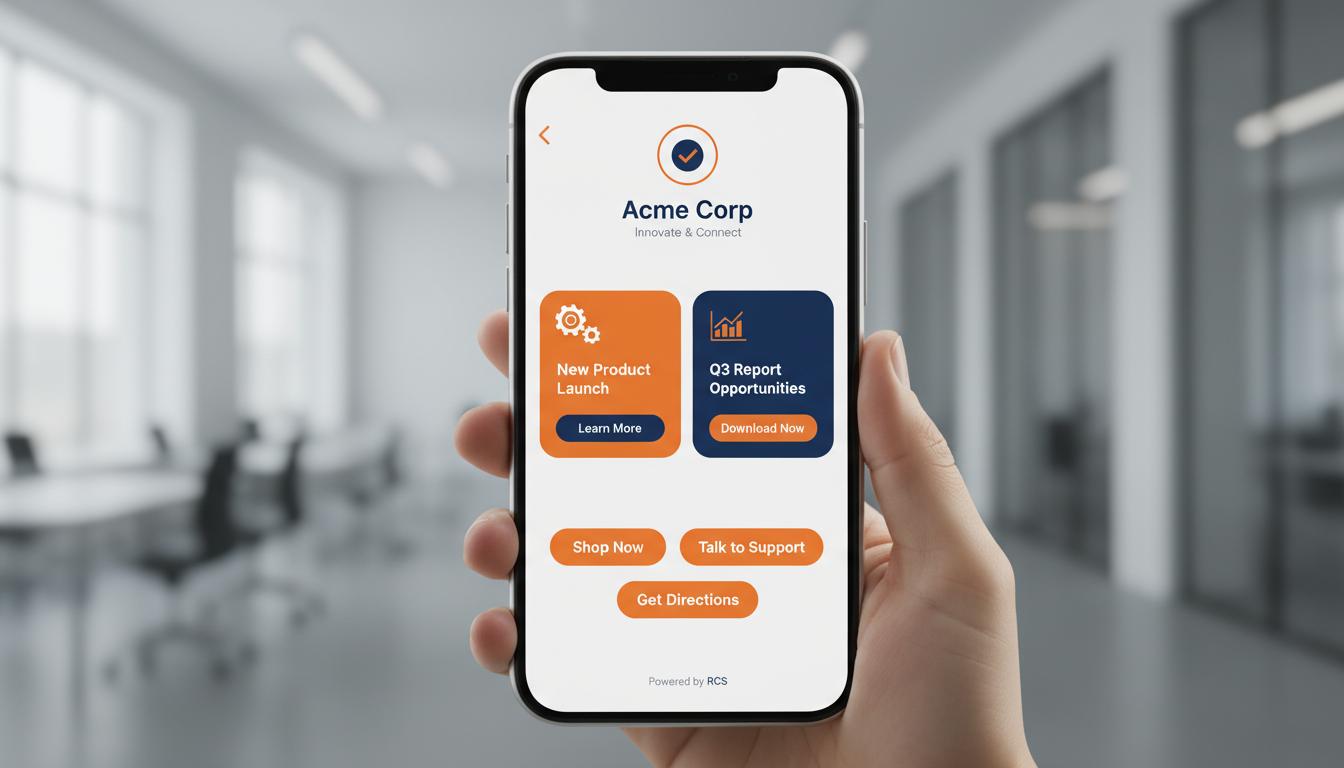
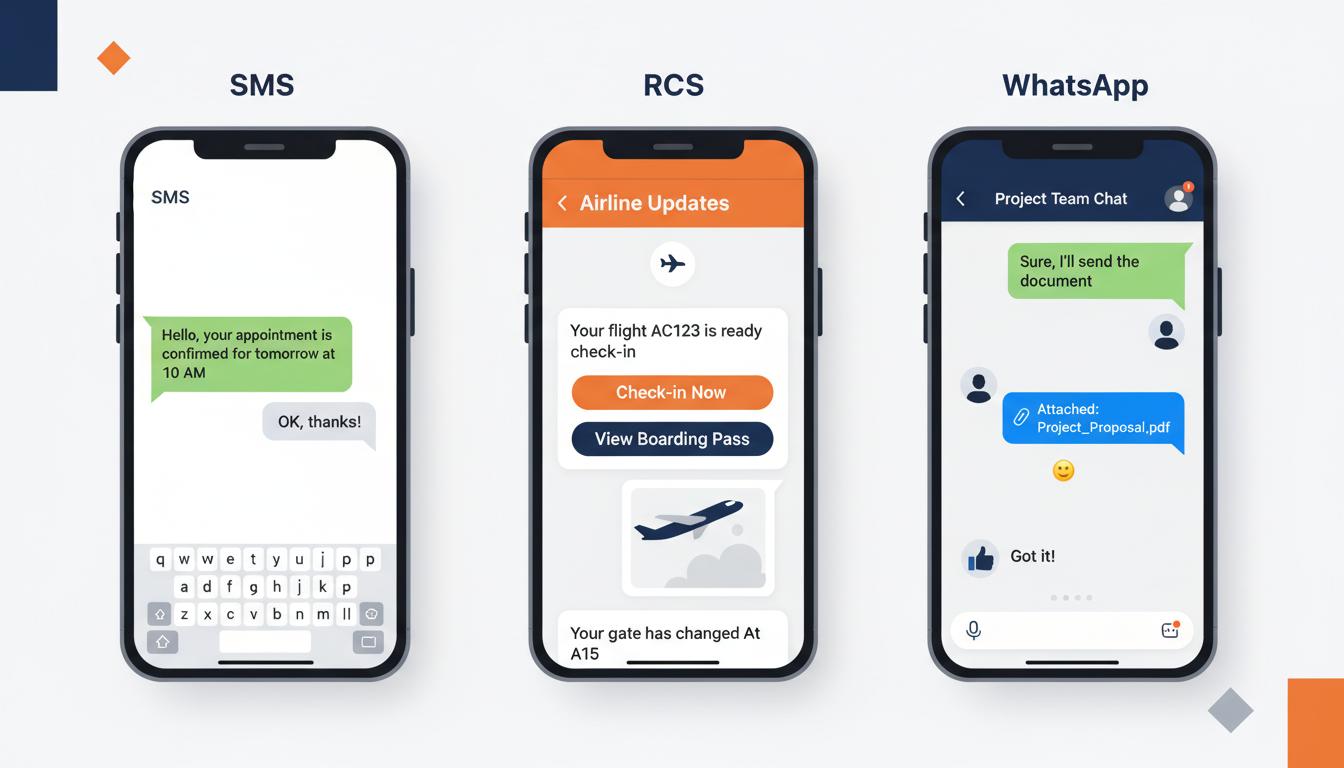
RCS Business Messaging is transforming how companies communicate with customers. Unlike plain text SMS, RCS allows businesses to create visually stunning, interactive messages.
Step 1 — Business Verification
Before you can send RCS messages, your business identity must be verified. Provide your business name, registered address, website URL, privacy policy, brand logo, and contact details.
Step 2 — Build Your Opt-in List
RCS messaging requires explicit customer consent. Build your opt-in list through website signup forms, checkout processes, and SMS opt-in campaigns.
Step 3 — Create Message Templates
Start with simple text-based templates and gradually add rich media elements like images, buttons, and carousels.
Step 4 — Launch Your First Campaign
- 1Start with a small test segment
- 2Send during optimal hours (10 AM - 6 PM)
- 3Use A/B testing to compare formats
- 4Monitor delivery and click-through rates
- 5Iterate based on performance data
Best Practices
- 1Keep messages visually clean
- 2Use high-quality images optimized for mobile
- 3Place primary CTA above the fold
- 4Personalize with customer names
- 5Test on multiple devices before launch
- 6Include clear opt-out mechanism
Key Takeaways
Successful RCS business messaging requires business verification, opt-in compliance, well-designed templates, and continuous optimization.