Introduction
OTP (One-Time Password) via SMS remains the most widely used two-factor authentication method. This guide covers everything developers need to integrate OTP SMS API into their applications securely and efficiently.
How OTP SMS API Works
The flow is simple: your application generates a random OTP, sends it via SMS API to the user's mobile number, the user enters the OTP in your app, and your server validates it. The entire process should complete within 30-60 seconds.
API Request Structure
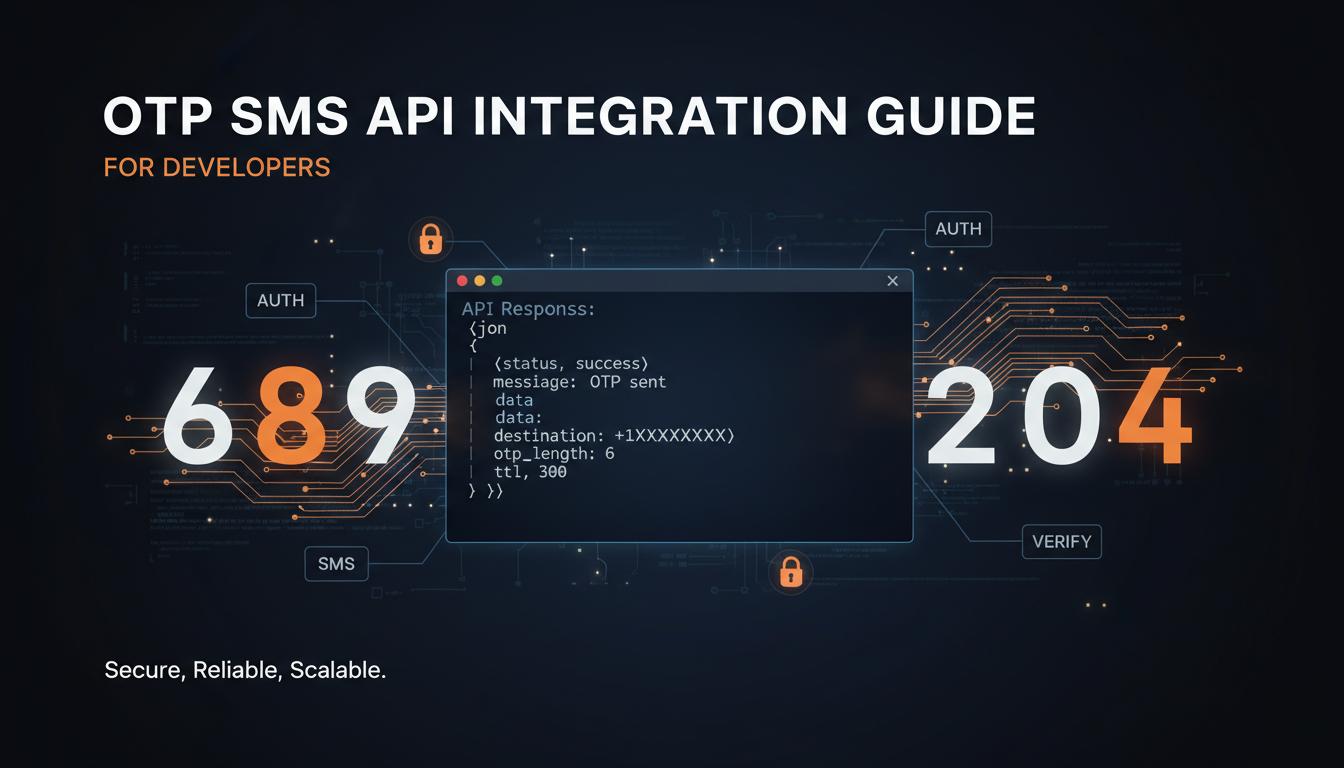
Most OTP SMS APIs use a simple HTTP POST request. Here is a typical request structure:
Request Parameters
| api_key | Your unique API authentication key |
| sender_id | Registered 6-character sender ID |
| to | Recipient mobile number (with country code) |
| message | OTP message with {#var#} placeholders |
| route | Transactional or OTP route |
| template_id | DLT-approved template ID |
| format | json or xml response format |
Security Best Practices
- 1Always use HTTPS for API requests
- 2Store API keys in environment variables, never in code
- 3Implement OTP expiry (typically 5-10 minutes)
- 4Limit OTP attempts (max 3-5 tries)
- 5Add rate limiting to prevent brute force
- 6Validate mobile number format before sending
- 7Use cryptographically secure random number generation
- 8Log all OTP events for audit trail
- 9Implement IP-based rate limiting
- 10Never log OTP values in plain text
Error Handling
- 1Invalid API key — return 401 unauthorized
- 2Invalid mobile number — prompt user to correct
- 3Template not approved — use fallback template
- 4Insufficient balance — alert admin and queue request
- 5Network timeout — implement automatic retry with backoff
- 6DND number — inform user to opt-in or use alternative channel
Key Takeaways
Use HTTPS, implement OTP expiry and attempt limits, validate inputs, handle errors gracefully, and always follow security best practices. Test thoroughly in staging before production deployment.
Need Integration Help?
Our technical team provides free API integration support. Get sample code, SDKs, and dedicated developer assistance.
Get Free Demo