Introduction
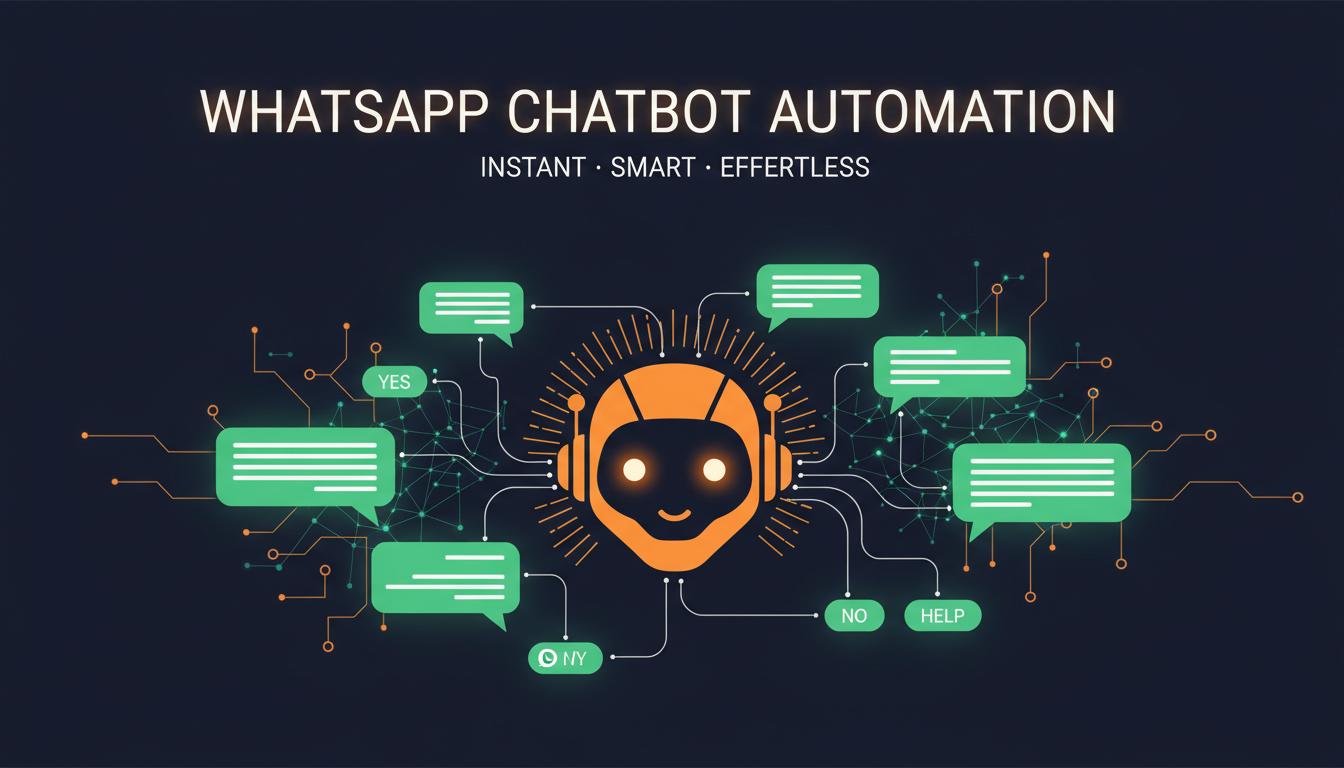
A WhatsApp chatbot is like having a full-time customer service team that never sleeps. It handles inquiries, qualifies leads, books appointments, and processes orders — all automatically. Here is how businesses are using chatbots to scale their customer communication.
What is a WhatsApp Chatbot?
A WhatsApp chatbot is an automated software that interacts with customers through WhatsApp messages. It uses pre-defined rules or AI to understand customer queries and respond with relevant answers, actions, or follow-up questions.
Key Use Cases
- 1Answering frequently asked questions instantly
- 2Qualifying leads with automated questionnaires
- 3Booking appointments and sending reminders
- 4Processing orders and tracking deliveries
- 5Collecting customer feedback and reviews
- 6Providing product recommendations
- 7Handling return and refund requests
- 8Routing complex queries to human agents
Types of WhatsApp Chatbots
| Rule-Based | Follows pre-defined scripts and buttons. Best for FAQs and simple workflows. |
| AI-Powered (NLP) | Understands natural language and learns from conversations. Best for complex queries. |
| Hybrid | Combines rules and AI. Handles routine tasks automatically, escalates to humans when needed. |
Benefits for Businesses
- 124/7 availability — never miss a customer query
- 2Instant response — from hours to seconds
- 3Handle unlimited conversations simultaneously
- 4Reduce support costs by 40-60%
- 5Qualify leads automatically before human contact
- 6Consistent messaging and brand voice
- 7Collect valuable customer data and insights
- 8Scale without hiring more support staff
How to Set Up a WhatsApp Chatbot
- 1Register for WhatsApp Business API
- 2Choose a chatbot platform or build custom
- 3Design conversation flows for common scenarios
- 4Create response templates and button menus
- 5Set up intent recognition (for AI bots)
- 6Connect with your CRM and business systems
- 7Test thoroughly with real conversations
- 8Deploy and monitor performance metrics
Key Takeaways
A WhatsApp chatbot handles 80% of routine queries automatically, reduces support costs by 60%, and responds instantly 24/7. Start with rule-based bots for FAQs, then expand to AI-powered bots for complex conversations.