Introduction
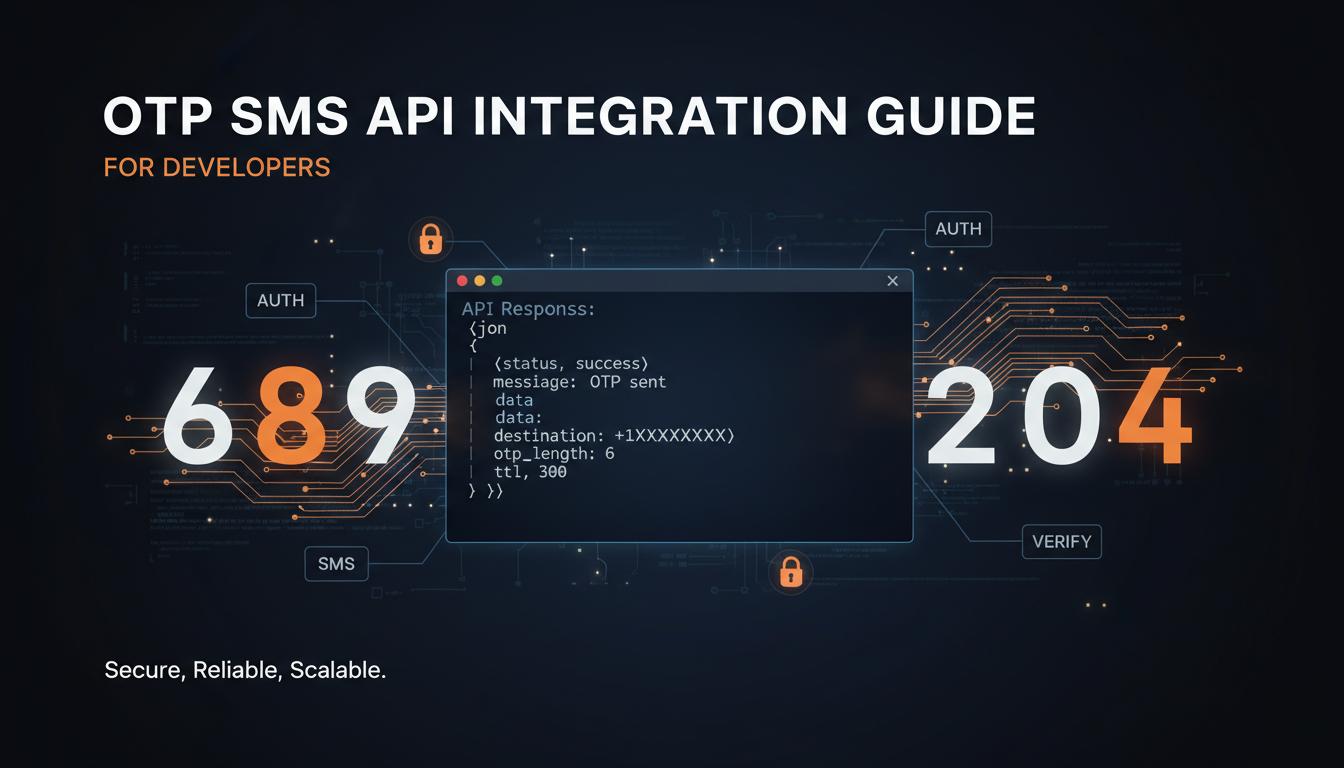
Integrating SMS into your application is one of the most valuable features you can add. Whether it is for user verification, transaction alerts, or marketing campaigns — a well-implemented SMS API integration can transform your product. This guide covers everything developers need to know.
API Authentication
All SMS API requests require authentication. The standard method is API key-based authentication. Include your API key in the request header or as a query parameter. Never hardcode API keys in your source code — use environment variables or secret management services.
Request Structure
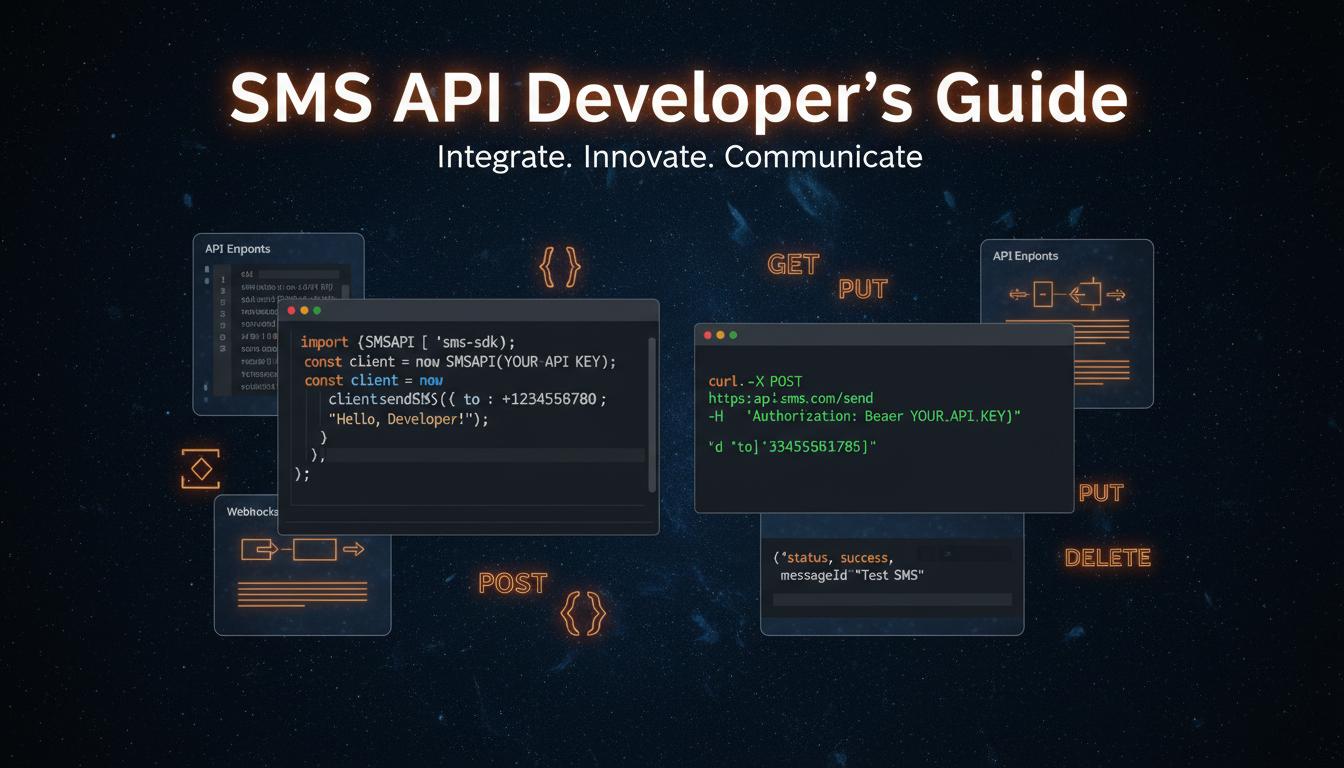
A typical SMS API request is a simple HTTP POST to the gateway endpoint. Required parameters include: api_key (your authentication key), sender_id (your registered 6-character sender ID), to (recipient phone number with country code), message (the message content with variables), route (transactional/promotional/otp), template_id (your DLT-approved template ID), and format (json for JSON response).
Response Handling
| 200 OK | Message accepted for delivery. Check message_id for tracking. |
| 400 Bad Request | Missing or invalid parameters. Check error message. |
| 401 Unauthorized | Invalid API key. Verify credentials. |
| 429 Too Many Requests | Rate limit exceeded. Implement retry with backoff. |
| 500 Server Error | Gateway issue. Retry after 30 seconds. |
Webhook Integration
Set up webhook endpoints to receive real-time delivery status updates. Your endpoint will receive POST requests with: message_id, status (delivered/failed/pending), delivered_at timestamp, and failure_reason (if failed). Verify webhook signatures to ensure requests are from your provider.
Retry and Error Handling
- 1Use exponential backoff for retries (1s, 2s, 4s, 8s, 16s)
- 2Implement circuit breaker pattern for gateway failures
- 3Queue messages locally if gateway is temporarily unavailable
- 4Log all API requests and responses for debugging
- 5Set up alerts for high error rates
- 6Validate phone numbers before sending using libphonenumber
- 7Sanitize message content to prevent injection attacks
Testing Best Practices
- 1Use a test API key in development/staging
- 2Test with your own phone number first
- 3Verify DLT template approval before production use
- 4Test error scenarios (invalid number, expired template)
- 5Load test with expected message volume
- 6Monitor delivery rates for the first 100 messages
- 7Set up monitoring and alerting for production
Key Takeaways
Use HTTPS with API key authentication. Implement exponential backoff retry logic. Set up webhooks for delivery tracking. Validate phone numbers before sending. Test thoroughly in staging before production deployment. Monitor delivery rates and error rates continuously.